
Pair once. Then just drive.
Flash your module
Use firmware that offers the standard Serial Port Profile. Most HC-05 and HC-06 modules do this out of the box.
SPP service UUID
00001101-0000-1000-8000-00805F9B34FBPair it in Android
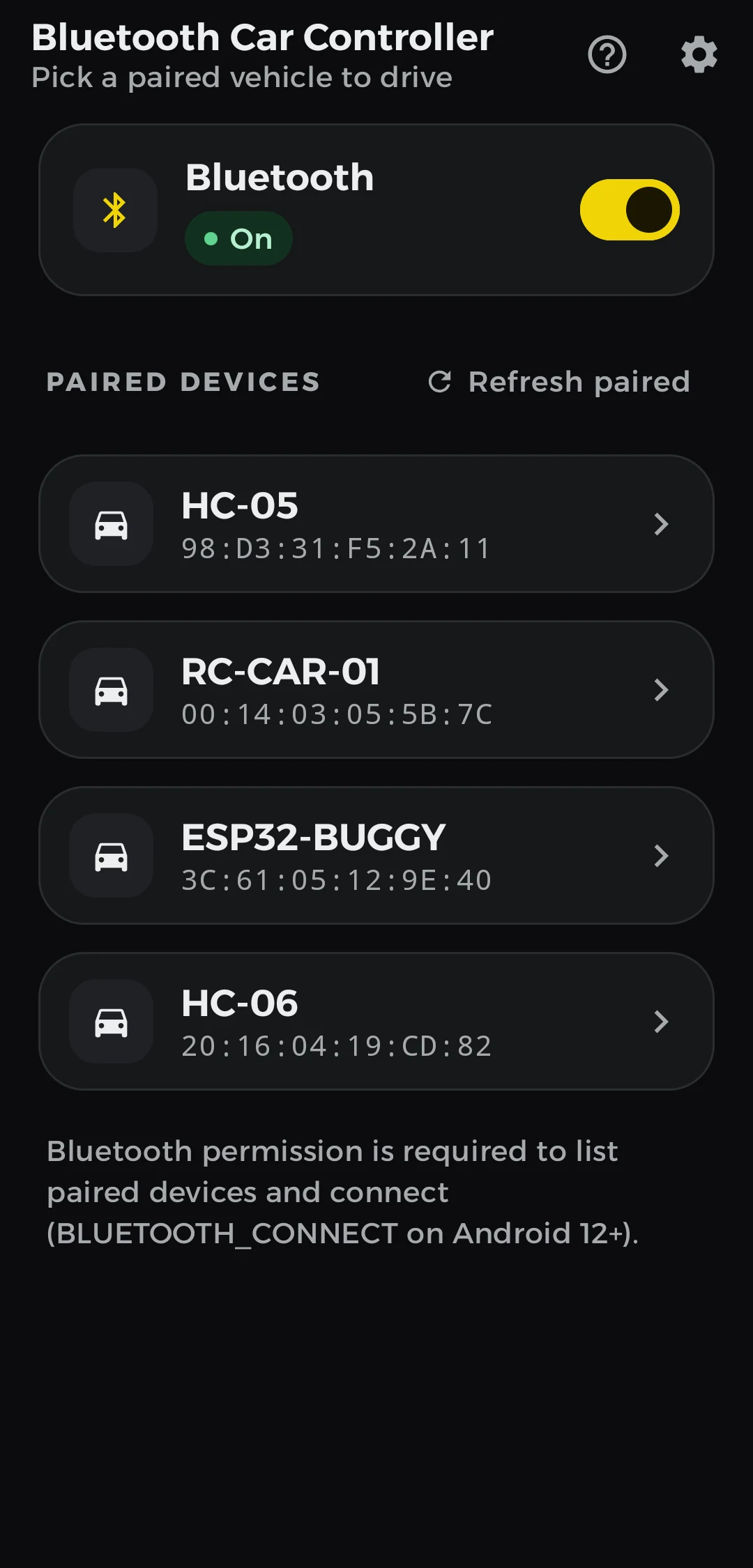
Open Settings, then Bluetooth, and pair the module once. The app lists only paired devices, so it never asks for your location.
Tap and drive
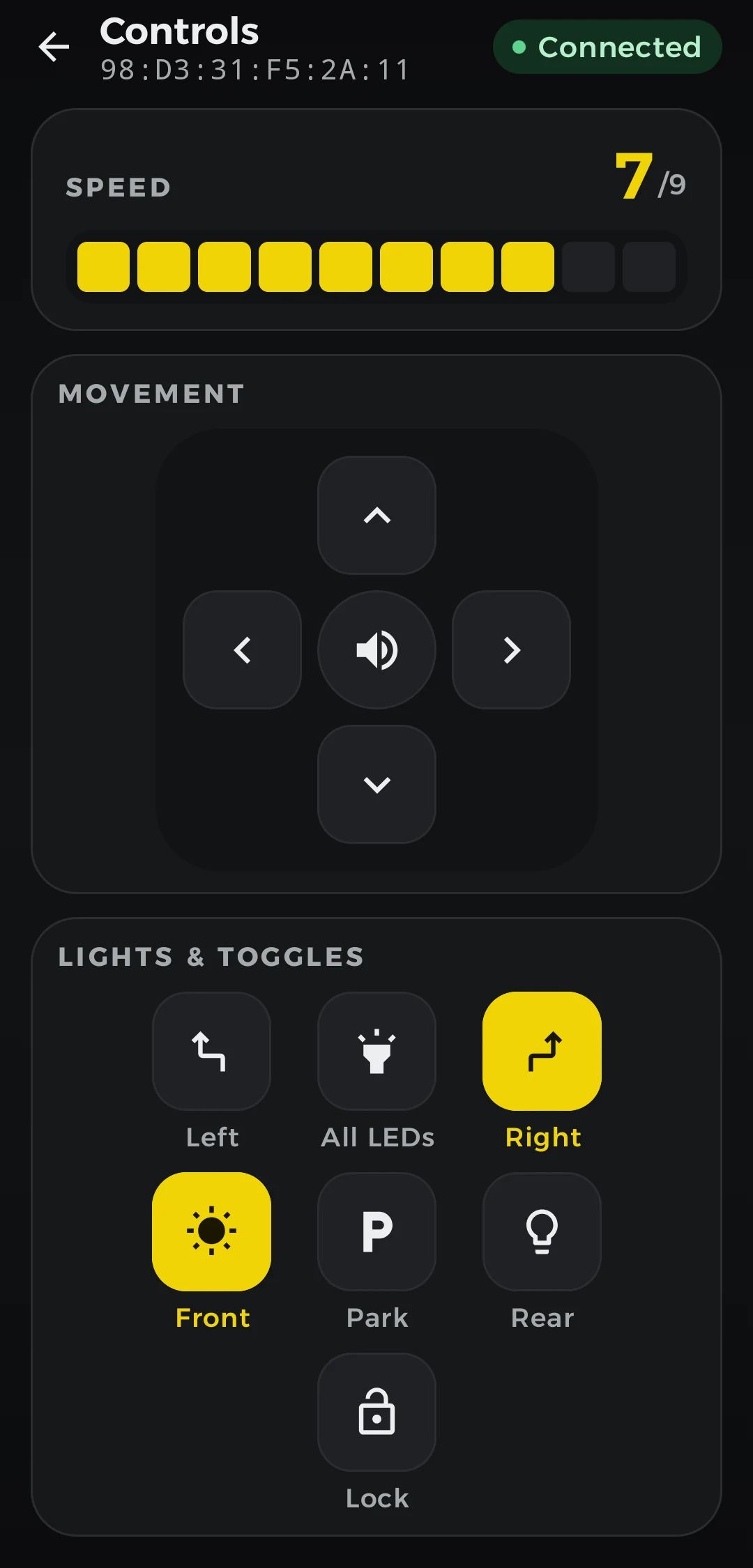
Pick your car in the app. When the badge turns green, every button goes straight to your board.
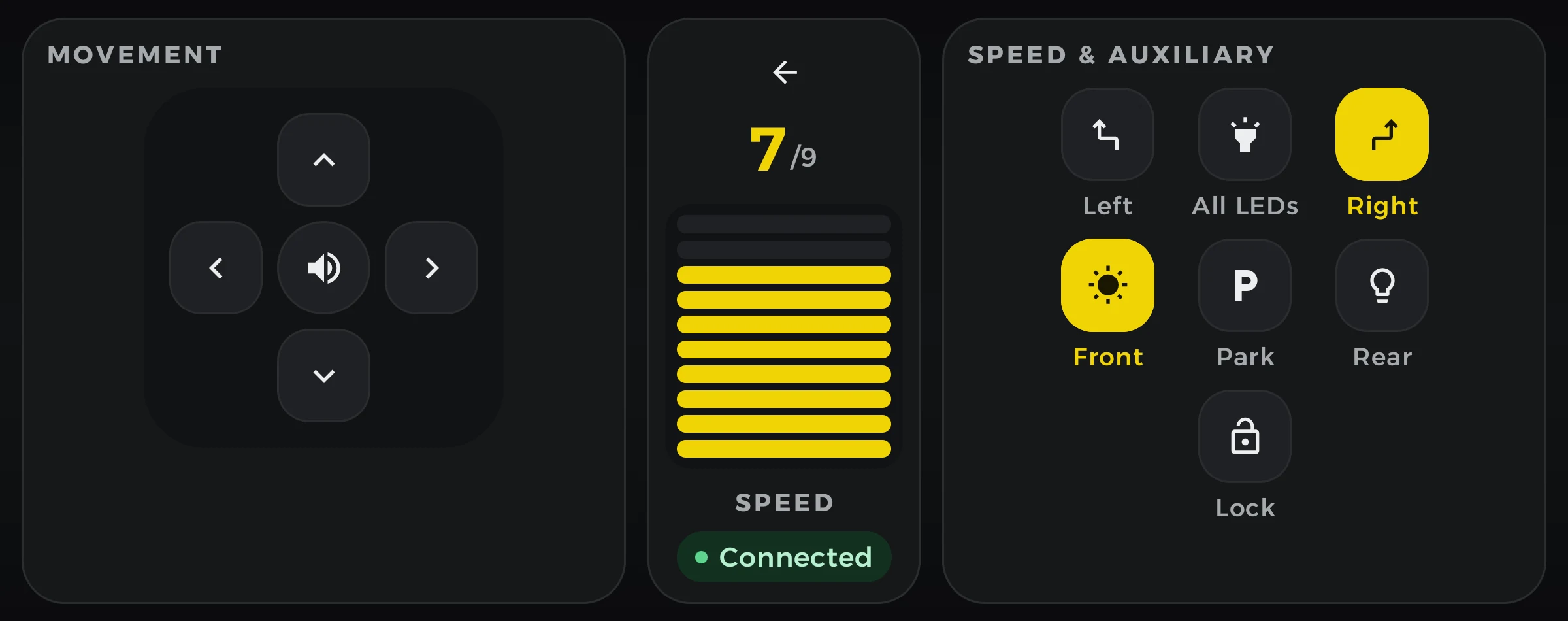
Turn it sideways for two thumbs.
In landscape, movement sits under your left thumb and speed sits in the middle. Lights, signals, park and lock move to the right.
Plain characters your sketch already understands.
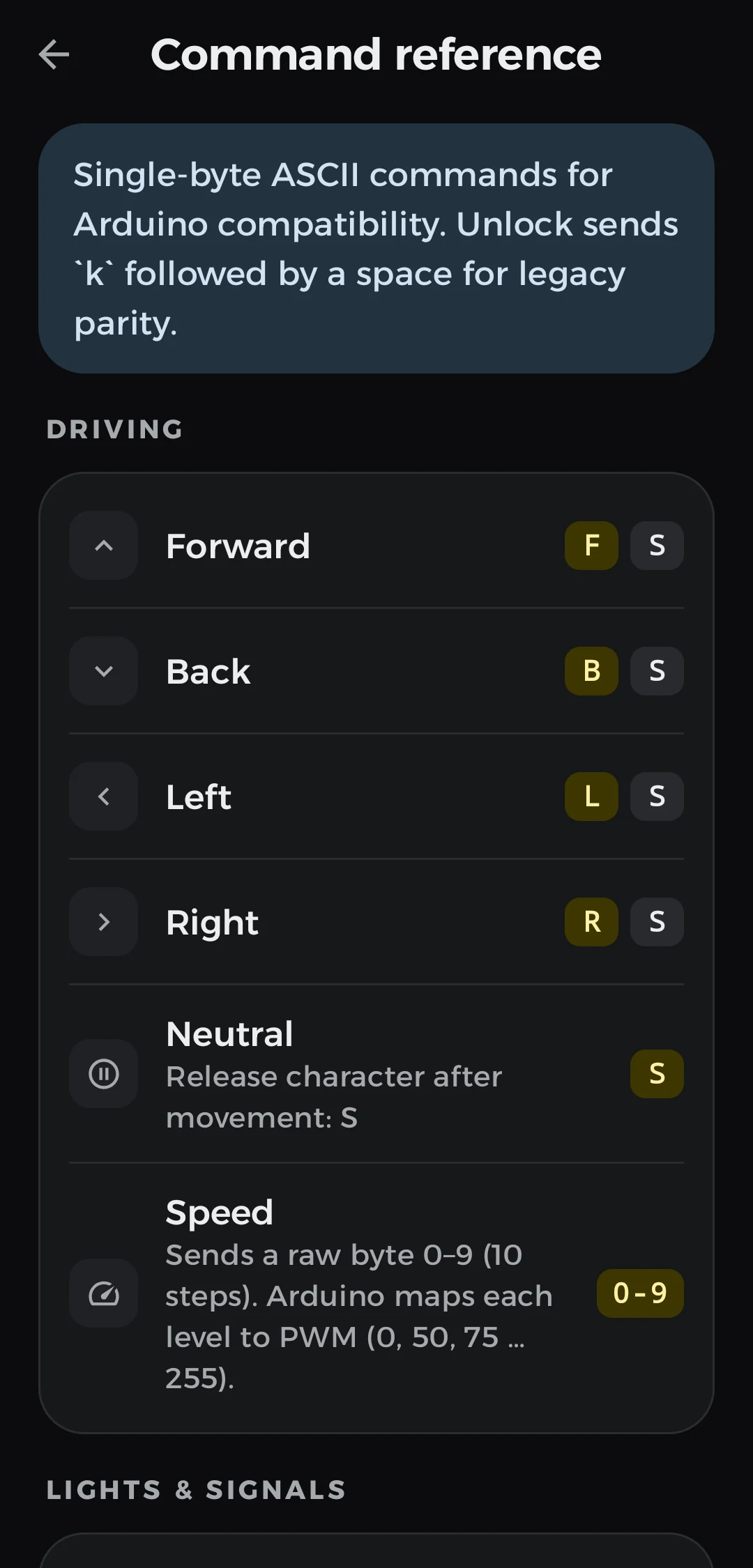
Hold forward and the app sends F. Let go and it sends S. There is no library, no framing and no checksum. Read one byte with Serial.read() and act on it.
Use your own characters
Does your sketch expect different letters? Change any command in Settings, under Arduino commands, with up to 8 ASCII characters each. The app warns you when two commands send the same thing.
| Control | Press or on | Release or off |
|---|---|---|
| Driving | ||
| Forward | F | S |
| Back | B | S |
| Left | L | S |
| Right | R | S |
| Lights and signals | ||
| Front lights | W | w |
| Rear lights | E | e |
| All LEDs | P | p |
| Left signal | V | v |
| Right signal | U | u |
| Horn, park and lock | ||
| Horn | Z | z |
| Park | H | h |
| Lockk and a space | K | k␠ |
| Speed | ||
| Speed levelOne raw byte from 0 to 9, not an ASCII digit. Map it to PWM in your sketch. | 0x00–0x09 | |
#include <SoftwareSerial.h>

SoftwareSerial bt(10, 11); // RX, TX to the HC-05

void setup() {
  bt.begin(9600);
}

void loop() {
  if (!bt.available()) return;
  int c = bt.read();

  switch (c) {
    case 'F': forward(); break;
    case 'B': back(); break;
    case 'L': left(); break;
    case 'R': right(); break;
    case 'S': stop(); break;
    case 'W': frontLights(HIGH); break;
    case 'w': frontLights(LOW); break;
    default:
      if (c >= 0 && c <= 9) setSpeed(map(c, 0, 9, 0, 255));
  }
}
Set it up your way.
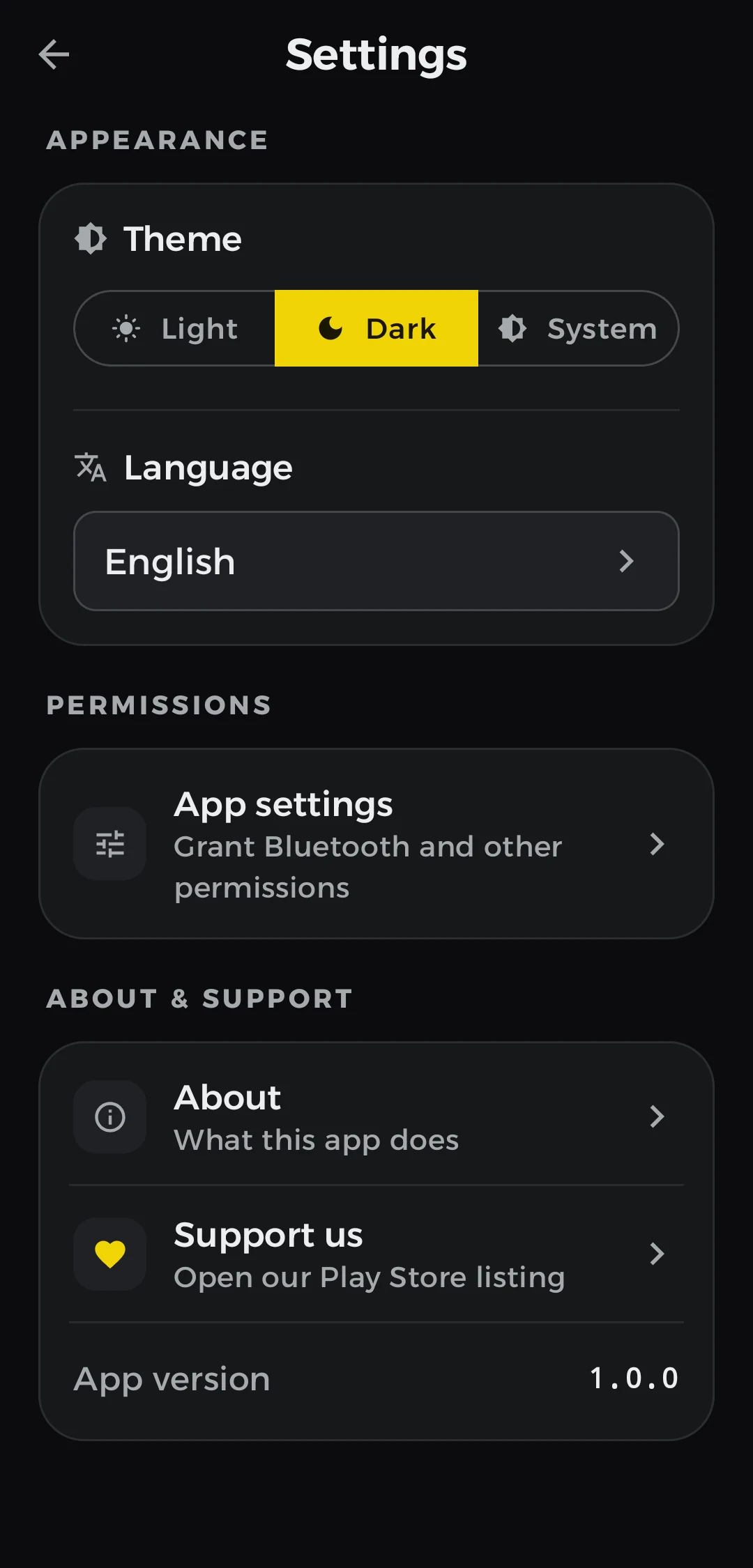
Light, dark or system
Follow your phone, or pick one and keep it.
English, Türkçe, العربية
Arabic gets a full right-to-left layout.
No location, no account
Bluetooth access is used only to talk to the devices you paired. There is nothing to sign up for.

Your car is ready when you are.
Free on Google Play for Android 9 and newer.